Part 1 of 8
Getting started with Kernwatch 4:55
Compare the four plans, create your account with a free trial of a paid plan, sign in to the dashboard and invite a colleague who joins your workspace.
Short narrated videos of the real Kernwatch app - from creating your account to filing a CRA report. Each takes a few minutes.
The videos are narrated in English, with English captions in the picture.
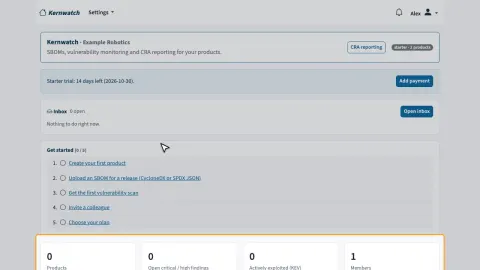 1Getting started with Kernwatch4:55
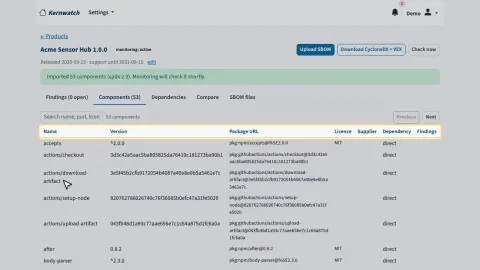 2Products, releases and SBOMs3:30
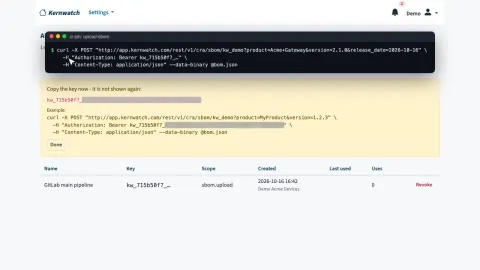 3Upload SBOMs from CI with an API key2:28
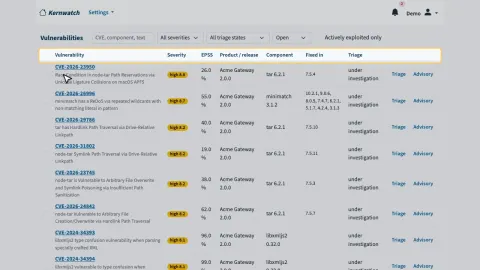 4Vulnerability monitoring and the dashboard3:06
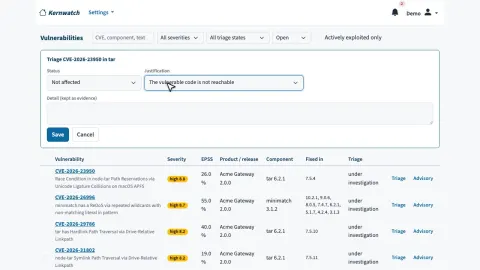 5Triage, release comparison and SBOM export2:49
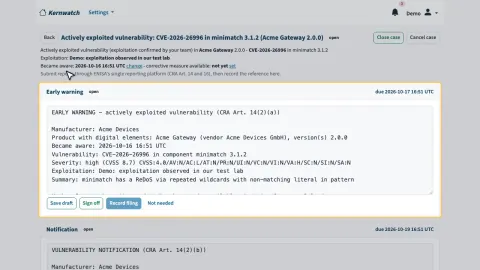 6The CRA reporting workflow4:12
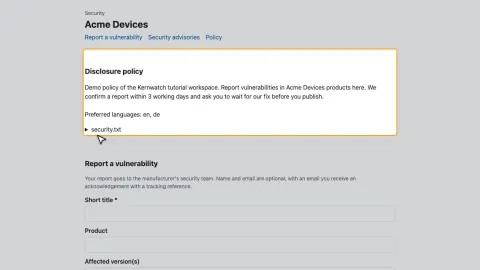 7Vulnerability reports, advisories and technical documentation3:59
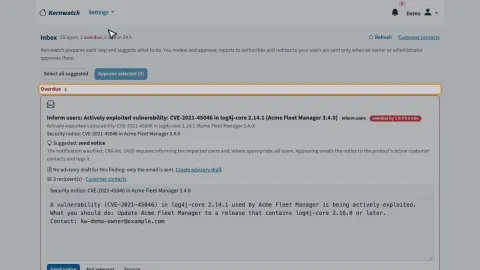 8The action inbox6:17
Part 1 of 8
Compare the four plans, create your account with a free trial of a paid plan, sign in to the dashboard and invite a colleague who joins your workspace.
Part 2 of 8
Add a product and a release with its support period, upload an SPDX or CycloneDX SBOM, and look at the components, the dependency graph and the stored SBOM files.
Part 3 of 8
Create an API key, send a release's SBOM from your build pipeline with one HTTP call, see the upload in Kernwatch and revoke a key that is no longer needed.
Part 4 of 8
How Kernwatch checks every release against OSV, the CISA KEV catalogue and the EU Vulnerability Database, the findings of a release, the Vulnerabilities page, the CRA overview and alerts.
Part 5 of 8
Record VEX decisions - not affected with a justification, or affected with a response - for one or several findings, compare two releases and export CycloneDX with VEX.
Part 6 of 8
Open a reporting case for an exploited vulnerability, complete and sign off the early warning, record the filing with the ENISA reference and receipt, set the fix date and log the informed users.
Part 7 of 8
Your public vulnerability reporting page and security.txt, a security advisory published as CSAF, the technical documentation, the EU declaration of conformity and a link for authorities.
Part 8 of 8
How the inbox fills itself: triage suggestions with reasons, a reporting case for an exploited vulnerability, reports prepared for sign-off, the ENISA filing aid, fix detection and informing users.
The free plan covers one product and needs no credit card. Paid plans add more products, users and the full reporting workflow - upgrade whenever you need it.
36 days since CRA reporting started · 420 days until all CRA requirements apply